Customer booking view
The customer booking view is the page a customer sees when booking a table at your restaurant. Customers reach it through the booking page link or through the booking widget embedded on the restaurant's own website.
Booking steps
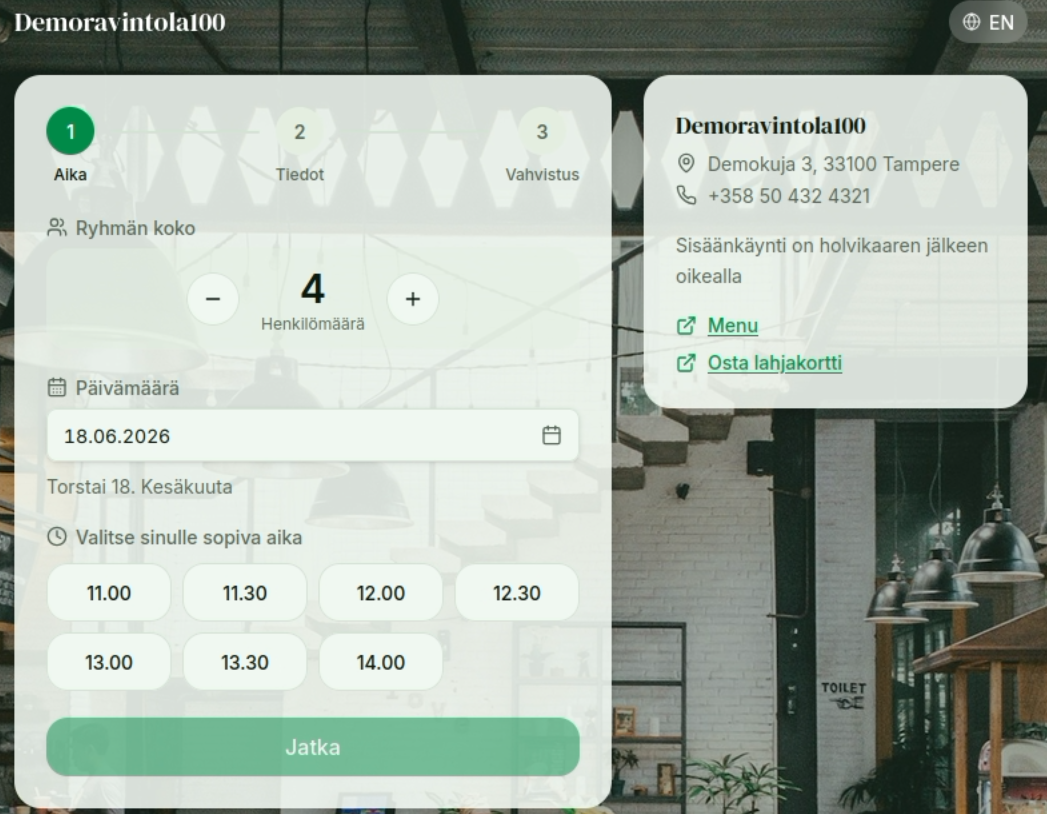
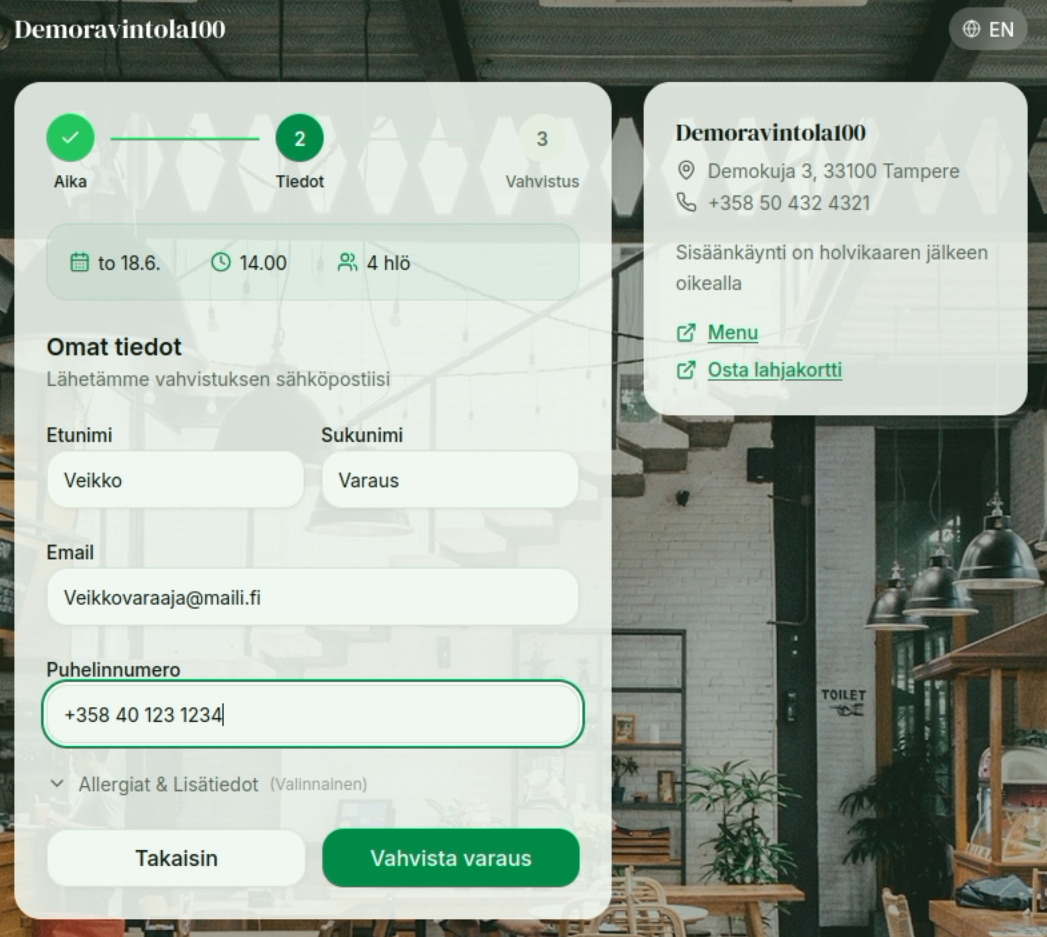
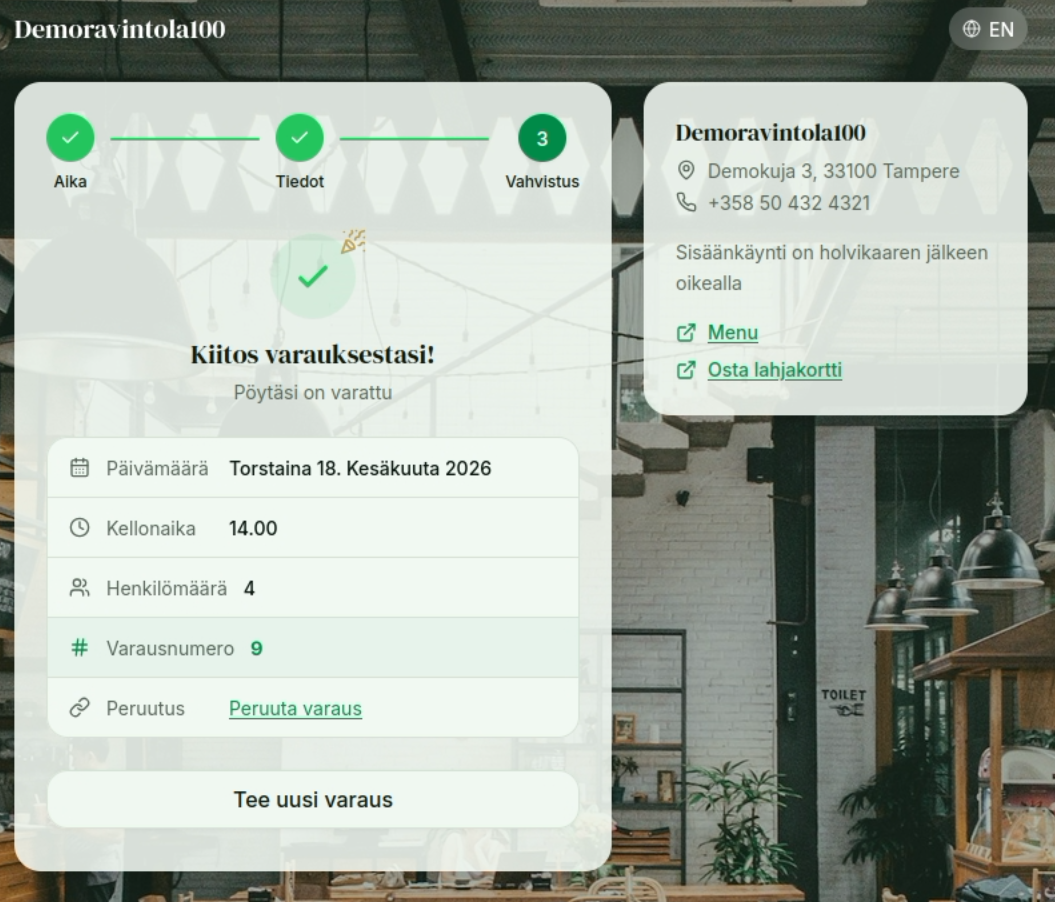
A booking proceeds in three steps: Time → Details → Confirmation.
First the customer selects the group size and date, and a time that suits them:
Next, the customer fills in their details:
Finally, the customer receives a confirmation of the reservation:
Customizing the appearance and additional information
Through Settings you can change the booking window's theme and background image, and define what additional information you want to show in the info menu on the right (the info box).
TIP
A confirmation email is also sent to the email address the customer provides.